
What is an eSIM? An eSIM (embedded SIM) is a digital SIM built into your phone that lets you activate a mobile plan by scanning a QR code — no physical SIM card required. For travelers, it means you can buy a data plan for your destination online, install it before you fly, and be online the moment you land. This guide explains how eSIMs work, how they compare to a physical SIM, and whether one is worth it for your next trip.
Key facts at a glance:
- An eSIM is a reprogrammable chip soldered into your phone that stores a mobile plan digitally instead of on a removable plastic card.
- You activate one by scanning a QR code or tapping an activation link — typically in under two minutes.
- Most phones can store 5 to 20+ eSIM profiles and use two lines at once, so your home number and a travel plan work together in one device.
- eSIM support started with the iPhone XS (2018), Google Pixel 3, and Samsung Galaxy S20; most mid-to-high-end phones since then support it.
- A travel eSIM is usually data-only: it carries internet while your physical SIM keeps your phone number for calls and verification texts.
What does eSIM mean?
eSIM stands for embedded SIM. “SIM” is the Subscriber Identity Module — the small chip that identifies your phone to a mobile network. A traditional SIM is a removable plastic card you slot into the phone. An eSIM does the same job, but the chip is permanently embedded in the device and reprogrammed with software. Instead of swapping a card, you download a plan profile onto the existing chip.
The technical standard is set by the GSMA, the global mobile industry body, so eSIM works the same way across carriers and countries that support it.
How does an eSIM work?
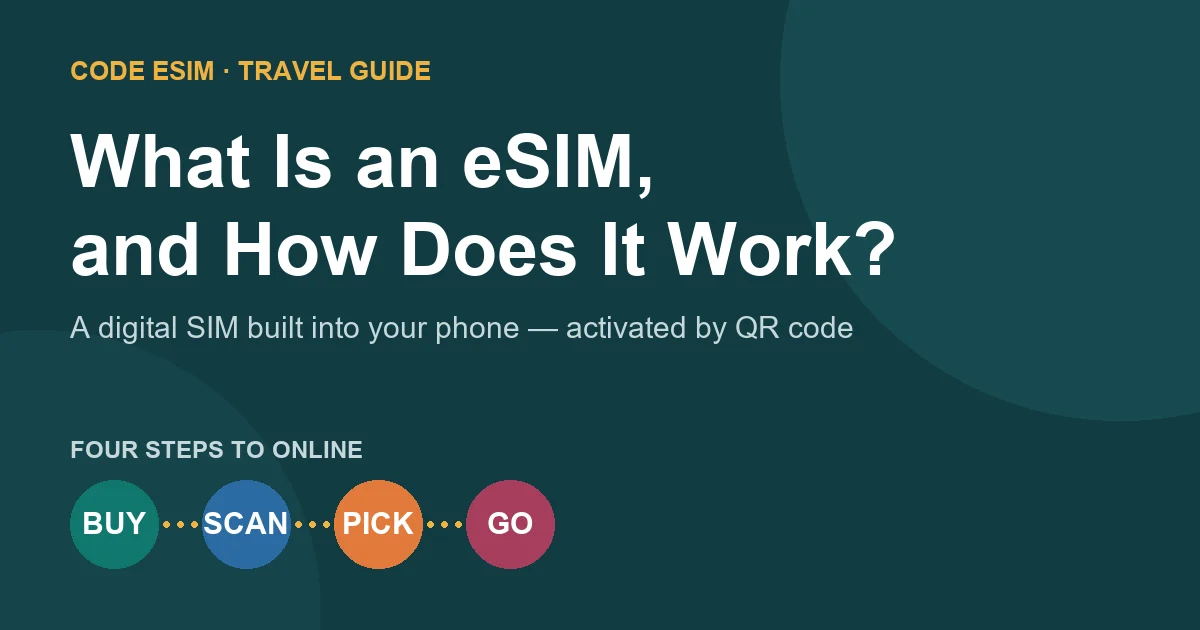
When you buy an eSIM, the provider issues a digital profile containing your plan’s network credentials. Getting it onto your phone takes four steps:
- Purchase a plan online and receive a QR code (or activation details) by email — instantly.
- Scan the QR code in your phone’s settings, which downloads the eSIM profile onto the embedded chip.
- Select the eSIM as a line in your phone. It can run alongside your physical SIM.
- Connect — the eSIM registers on a supported network and your data works.
Because the profile is delivered digitally, there is no shipping and no card to insert. You can install a travel eSIM at home days before departure and simply switch it on after you land.
eSIM vs physical SIM card: what’s the difference?
| Feature | eSIM (embedded) | Physical SIM card |
|---|---|---|
| Format | Digital profile on a built-in chip | Removable plastic card |
| Getting it | Buy online, scan a QR code, ready in minutes | Buy in a shop or by mail, insert the card |
| For travel | Install before departure, online on arrival | Buy at the airport or a local store on arrival |
| Multiple plans | Store many profiles, switch in settings | One card per slot; swap to change |
| Keeping your number | Home SIM stays active as a second line | Must remove your home SIM to use a local one |
| Risk of loss | Cannot fall out or get lost | Tiny card is easy to misplace |
| Device support | Newer phones only (2018+) | Almost every phone |
The short version: a physical SIM is universal but manual, while an eSIM is faster and more flexible on supported phones — especially for travel, where installing before you fly beats hunting for an airport SIM kiosk after a long flight.
Why do travelers use eSIMs?
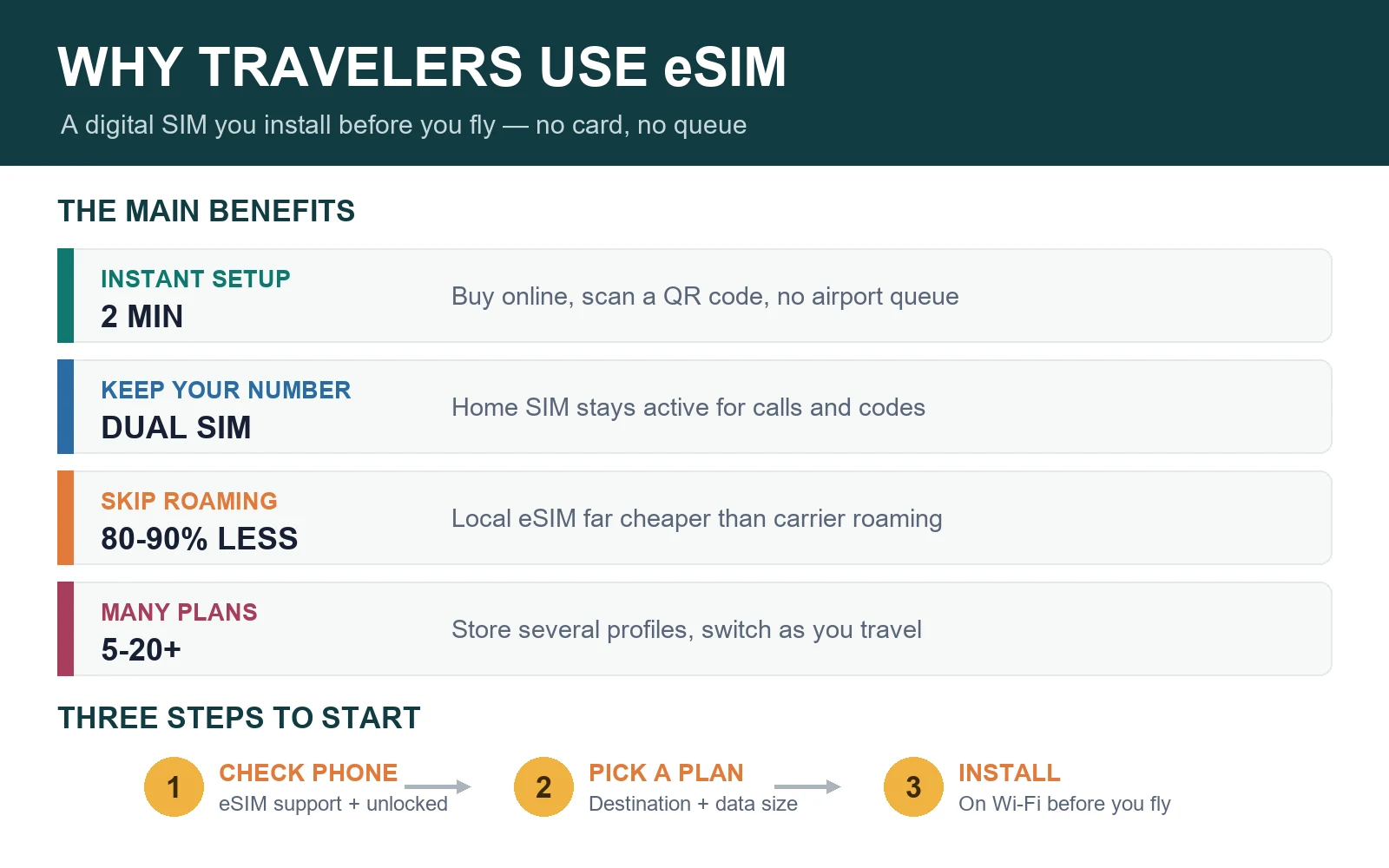
- Instant setup. Buy and install online; no airport queues or paperwork on arrival.
- Keep your own number. Your home SIM stays in the phone for calls and bank verification codes while data runs on the eSIM.
- Avoid roaming bills. A local or regional eSIM is typically far cheaper than carrier roaming — often 80–90% less. See our roaming charges comparison.
- Multi-country flexibility. One regional eSIM can cover a whole itinerary; store several profiles and switch as you travel.
- Nothing to lose. There is no tiny card to drop, and the profile can’t fall out on a bumpy bus ride.
Are there any downsides?
eSIMs are not perfect for every situation:
- Device support is limited to newer phones. If your phone predates 2018 or was sold in a market with eSIM restrictions, it may not work. Check first with our eSIM compatibility guide.
- Carrier locks apply. A phone locked to a carrier may reject third-party eSIMs until unlocked.
- Most travel eSIMs are data-only. They don’t include a local phone number unless the plan states otherwise — usually fine, since messaging apps handle calls over data.
- QR codes are single-use. Deleting an installed eSIM usually means it can’t be reinstalled, so don’t remove it mid-trip.
Is an eSIM worth it for travel?
For most travelers with a compatible, unlocked phone, yes. An eSIM is cheaper than roaming, faster than buying a local SIM on arrival, and lets you keep your home number active. It is especially worth it for multi-country trips, families (each phone gets its own low-cost plan), and anyone who has ever faced a surprise roaming bill.
Roaming or a local physical SIM can still make sense for ultra-short trips, phones without eSIM support, or travelers who need a local phone number. For a fuller comparison of the alternatives, see eSIM vs pocket WiFi.
How to get started with an eSIM
- Check compatibility. Confirm your phone supports eSIM and is carrier-unlocked.
- Choose your destination and data size. Estimate how much you need with our travel data guide.
- Buy and install before departure over Wi-Fi, following the eSIM installation guide.
- On arrival, select the eSIM as your data line and turn off data roaming on your home SIM.
eSIM FAQ
What is an eSIM in simple terms?
An eSIM is a digital SIM card built into your phone. Instead of inserting a plastic card, you activate a mobile plan by scanning a QR code, which downloads the plan onto a chip already inside the device.
How does an eSIM work?
You buy a plan online and receive a QR code, scan it in your phone’s settings to download the plan profile onto the embedded chip, select the eSIM as a line, and connect to a supported network. The whole process usually takes a couple of minutes.
Is an eSIM better than a physical SIM card?
For travel on a supported phone, usually yes: you can install it before departure, keep your home number active as a second line, and store multiple plans. A physical SIM is more universal and works on almost any phone, but requires swapping cards.
Does an eSIM use data when not in use?
No. An installed but inactive eSIM profile uses no data. Data is only used when you select the eSIM as your active line and use the internet. Turn off your home SIM’s data roaming abroad to avoid unintended charges.
Can I have both an eSIM and a physical SIM at the same time?
Yes. Most modern phones are dual SIM: your physical SIM keeps your home number for calls and texts while the eSIM carries travel data. This is the most common travel setup.
Do all phones support eSIM?
No. eSIM works on newer phones — broadly iPhone XS and later, Google Pixel 3 and later, and Samsung Galaxy S20 and later, plus many other recent models. Phones sold in some markets have eSIM restrictions, so check your specific model before buying.
Bottom line
An eSIM is a digital, built-in SIM that you activate by scanning a QR code — no plastic card, no shipping, no airport queue. For travelers with a compatible, unlocked phone, it’s the fastest and usually cheapest way to get mobile data abroad while keeping your own number reachable. Check your phone’s compatibility, pick a destination plan, and install before you fly.
Ready to try one? Browse travel eSIM plans for Japan, Korea, Thailand, China, Europe and the USA, or see all destinations.
Last reviewed July 22, 2026. eSIM technical standards are defined by the GSMA; device support and plan terms vary by phone model, carrier and region. Reference reading: GSMA eSIM overview and Apple Support: Use eSIM while traveling internationally.